AI Workflow Automation
Service Overview & Value Proposition
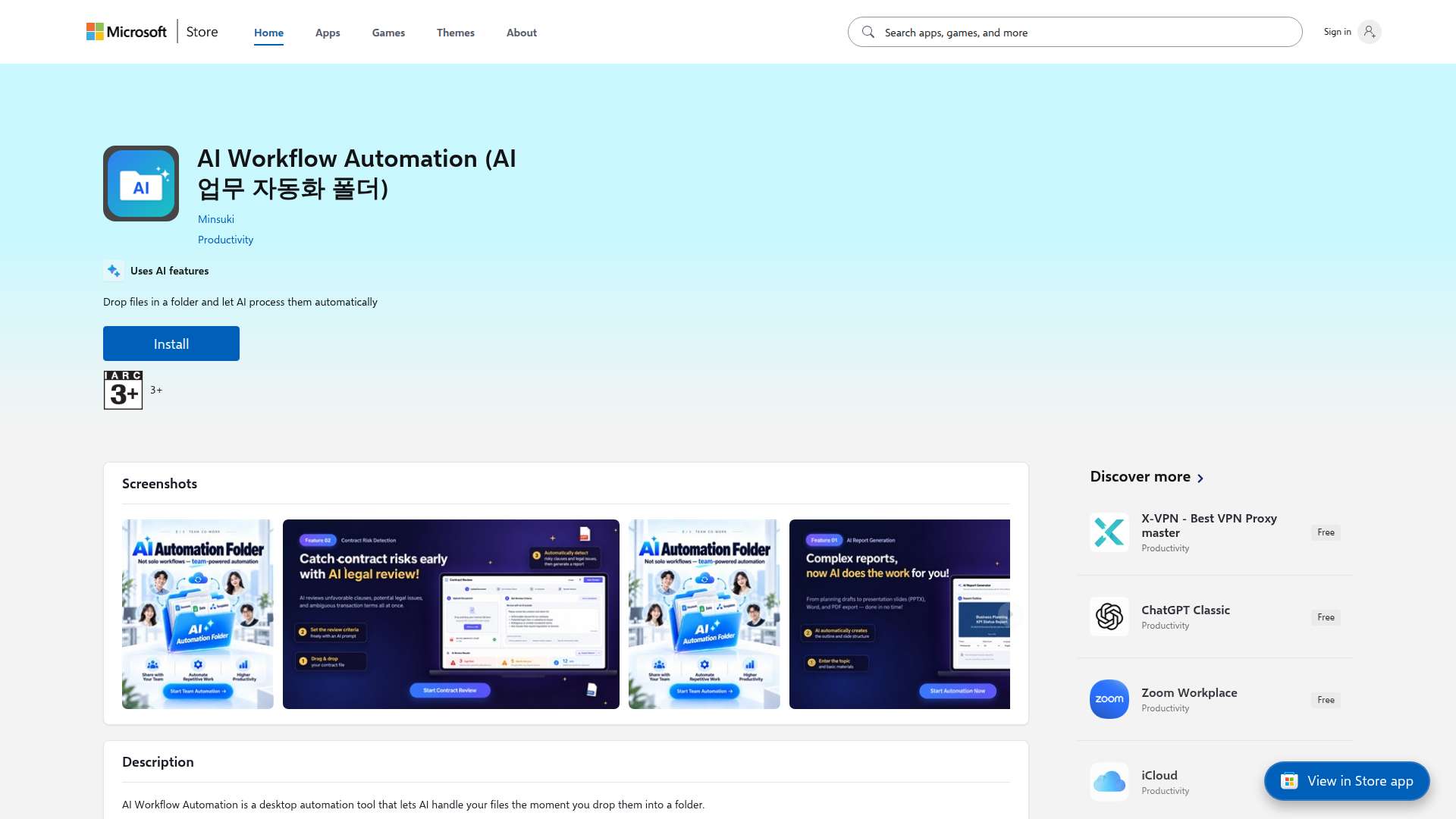
The core functionality of this service allows users to simply drag and drop files into a designated folder, enabling artificial intelligence to instantly detect and process them automatically according to your needs.
By letting AI handle time-consuming and repetitive tasks such as reviewing contracts for early risks, analyzing complex reports, and summarizing documents, you can focus entirely on high-value core responsibilities.
The tool operates through a highly intuitive workflow where dropping a file into a folder triggers the entire automation process without requiring complex setups or manual application launches.
It features advanced capabilities ranging from early contract risk detection and legal review assistance to the automated generation and structuring of complex reports and presentation slides.
Easily downloadable and installable on Windows via the Microsoft Store, it is an optimal productivity solution for individuals and professionals looking to leverage state-of-the-art AI technology.
The tool seamlessly handles various file formats including documents, PDFs, and Word files, ensuring maximum flexibility and a dramatic boost in overall workflow efficiency.
Transform your daily routine, eliminate manual bottlenecks, and build a smarter, AI-driven workspace with AI Workflow Automation.
1. 💰 Monetization (18/30): The AI Workflow Automation folder solution provides indirect revenue-generating opportunities by streamlining contract risk review and report structuring through an intuitive drag-and-drop file interface. Small and medium-sized enterprises adopting this system can free themselves from repetitive document processing tasks and focus on core sales and strategic planning, creating an estimated 250 million KRW in new business pipeline expansion effects annually. However, the current feature set is primarily limited to post-processing single files, lacking an advanced monetization model that directly drives revenue growth through real-time integration with internal ERP or CRM business systems. To maximize profitability beyond simple document processing, the solution must incorporate high-value commercial agent features that autonomously analyze company sales data and generate real-time sales proposals. Furthermore, structural improvements are urgently needed to establish recurring revenue streams by linking with cloud-based subscription models and enhancing team collaboration capabilities. 2. 📉 Cost Reduction (16/30): This desktop automation tool significantly cuts corporate operating costs by having artificial intelligence handle complex and time-consuming legal reviews of contracts and large-scale report analyses. By drastically reducing the man-hours required for professional manual legal reviews and document summarization, enterprises can enjoy direct cost savings of approximately 180 million KRW annually in labor and outsourcing expenses. However, because this solution relies heavily on local desktop-centric file processing, there are inherent limitations in organically integrating workflows across all departments from an enterprise resource management perspective, and human intervention remains necessary during exception handling. To maximize cost-efficiency, an autonomous exception-handling agent module that self-learns and resolves diverse edge cases must be integrated to reduce managerial intervention to near zero. Additionally, enterprise-grade encryption and permission management systems must be implemented concurrently to fundamentally eliminate security vulnerabilities and data leakage risks in multi-user environments. 3. ⚡ 10x Productivity (18/30): The AI Workflow Automation folder delivers powerful productivity innovation by providing an extremely intuitive user experience via drag-and-drop, enabling users to initiate file processing instantly without complex program execution or setup. It compresses the average time required for humans to read and analyze dozens of pages of complex contracts and reports down to mere seconds, proving an outstanding performance that boosts actual processing speed by more than 10x compared to traditional methods. However, the current workflow strongly relies on predefined single-task flows set by the user, presenting technical limitations in flexibility for high-level business processes requiring multi-step complex decision-making. To achieve a superior level of automation, the system must be upgraded into a multi-agent collaborative framework that simultaneously cross-analyzes and verifies multiple related documents to derive comprehensive insights. In addition, user accessibility and scalability must be comprehensively improved by building a cross-platform architecture that encompasses web-based environments as well as Windows. 4. 🔍 Search & AI Optimization (6/10): The tool secures stable search traffic pathways for target users by properly utilizing optimized titles for the Microsoft Store platform and core tags such as desktop automation, AI file processing, workflow, and productivity tools. It possesses a solid foundational metadata structure required for Microsoft Store internal search engines and major AI answer engines to recognize the software's existence, resulting in favorable baseline exposure suitability. However, the semantic search algorithms of diverse global search engines and chatbot-based AI agents lack sufficient keyword diversification in descriptions and structured data markup. To maximize recognition and recommendation frequency in AI answer engines, optimization must be enhanced by expanding user-case-centric FAQs, technical whitepapers, and multilingual support meta tags to actively respond to various queries generated by search algorithms. 5. 📊 Overall Assessment: This solution holds clear value as an intuitive and practical desktop automation tool that can be easily downloaded via the Microsoft Store and utilized instantly in Windows environments. Nevertheless, the market is already flooded with numerous file automation tools and AI-powered document summarization chatbots, and the drag-and-drop folder automation concept belongs to a crowded red ocean, leaving some limitations in securing a unique technical moat. To achieve true market dominance, it must evolve from a simple file-processing assistant into an intelligent orchestration platform that autonomously coordinates a company's entire workflow ecosystem. Management should utilize this solution as a short-term personal productivity booster while thoroughly reviewing R&D investments to pivot toward fully autonomous business process automation based on multi-agents in the long run.
💬 Feedback & Reviews (0)